

Privacy-Focused Smart Home Kits: What to Buy in 2026
Table of Contents
- What Makes a Smart Home Kit Privacy-Focused?
- Privacy-Focused Smart Home Kits Compared
- Why Local Control Smart Home Devices Matter
- How to Secure Smart Home Network Connections
- Smart Home Security Best Practices for UK Homes
- What to Avoid When Buying Privacy-Focused Kits
- Conclusion: Build Your Privacy-Focused Setup
- Frequently Asked Questions
Last Updated: September 9, 2026
The smart home market is growing quickly, but so is the concern about where your data ends up. Many homeowners are realising that a convenient setup often means your daily routines, sleep patterns, and even when you are away are being logged on a manufacturer's cloud server. This is why more people are choosing to buy privacy focused smart home kits that keep control firmly in their own hands. In this guide, we will break down exactly what to look for, which components matter, and how to build a system that respects your privacy.
A privacy focused smart home is one where your automations, data, and commands are processed locally on hardware you own, rather than being sent to an external server for processing. The core difference comes down to where the "brain" of your system lives and which communication protocols your devices use. Before you spend money on a single sensor, you need to understand that not all "smart" devices are created equal when it comes to data handling.
What Makes a Smart Home Kit Privacy-Focused?
A kit earns the privacy-focused label when it operates without mandatory cloud accounts for core functions and relies on local processing. This means your lights still turn on when you walk into a room, even if your broadband connection drops out.
The key components to look for are a hub that supports local automation and devices that communicate over local protocols like Zigbee, Z-Wave, or Thread. These protocols create a mesh network in your home that does not need to route through the internet to function. When you buy privacy focused smart home kits, you are essentially investing in hardware that treats your internet connection as an optional extra rather than a requirement.
Privacy-Focused Smart Home Kits Compared
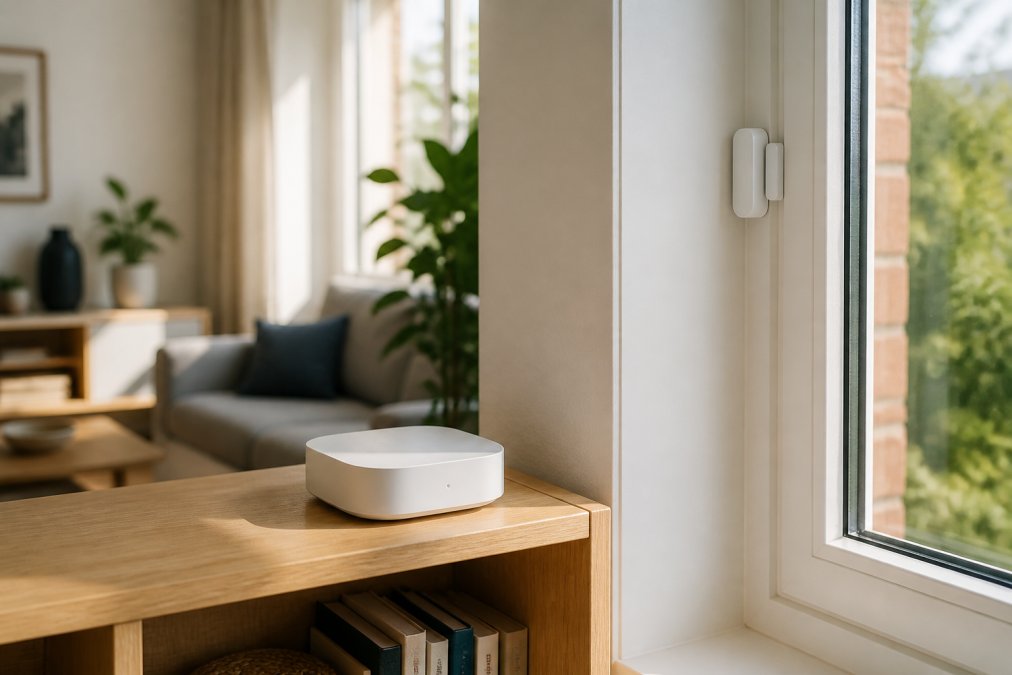
When you start comparing options, the hub is the most important decision because it dictates which devices you can use and how your data is handled. The market broadly splits into hubs that process everything locally versus bridges that still rely on cloud services for some features.
| Hub Option | Price (One-Time) | Local Processing | Best For |
|---|---|---|---|
| Homey Pro | £399.99 | Full (100%) | Advanced enthusiasts wanting multi-protocol support |
| Homey Pro Mini | £219.08 | Full (core functions) | Users wanting local control without the top price |
| Aqara Hub M3 | £129.99 | Local automation | Budget-conscious users needing Zigbee/Thread |
| Homey Bridge | £95.22 | Cloud-based | Beginners testing the waters |
Hub Options for Local Processing
The Homey Pro WiFi & Bluetooth Smart-Home Hub, priced at £399.99, supports six wireless protocols including Zigbee, Z-Wave, Thread, and Matter, which means it can talk to almost any device without needing proprietary bridges. Crucially, it processes 100% of automations locally, so your routines run even when the internet is down, and your usage data never leaves your home.

For those with a tighter budget, the Homey Pro Mini WiFi & Bluetooth Smart-Home Hub at £219.08 offers local processing for core functions without the cloud dependency. It is a solid middle ground, though it lacks the Zigbee and Z-Wave radios of the full Pro, which might limit your sensor choices unless you use Wi-Fi or Bluetooth versions. A more affordable entry point is the Aqara Hub M3 at £129.99, which acts as a Zigbee coordinator and Thread Border Router, connecting up to 256 child devices while running local automations.


Sensor Add-Ons for Security and Automation
Once you have selected the hub, sensors are where you build out the security and automation layer. A common mistake is buying the cheapest sensors without checking protocol compatibility, which leads to frustration when they will not pair.
For door and window monitoring, the Shelly Zigbee Operated Door/Window Sensor at £17.23 offers Zigbee 3.0 connectivity and two-year battery life. If you are using a Homey hub, the Shelly BLU Bluetooth Operated Door/Window Sensor at £16.63 is a cheaper alternative that pairs seamlessly via Bluetooth. For detecting presence rather than just motion, the Aqara Presence Sensor FP2 at £65.50 uses millimetre-wave radar to detect subtle movements like breathing, and it tracks up to five people across 30 zones without using a camera.
Why Local Control Smart Home Devices Matter
Local control smart home devices matter because they eliminate the two biggest risks of cloud-based systems: data leakage and planned obsolescence. When a manufacturer decides to shut down their servers or goes bust, cloud-dependent devices often become expensive bricks. By keeping processing on your hub, you avoid that scenario entirely.
The reliability argument is equally strong. Local processing means commands travel from your phone to the hub and then to the device, a journey measured in milliseconds. Cloud-dependent systems send that command to a data centre first, which adds latency and a single point of failure. For basic actions like turning on a light, that delay is annoying; for security automations like locking doors or triggering alarms, it is a critical vulnerability.
How to Secure Smart Home Network Connections
Securing your smart home network starts with segmentation. The simplest and most effective step is to create a separate Wi-Fi network or VLAN specifically for your IoT devices. This ensures that if a cheap smart plug is compromised, the attacker cannot pivot to your laptop or phone on the main network.
Beyond segmentation, you should also disable features you do not need. Many devices ship with cloud access and remote control enabled by default, which is a privacy risk. If you only control your lights when you are at home, turn off the remote access feature in the hub's settings. For guidance on network architecture, the National Cyber Security Centre smart security guidance recommends changing default passwords and keeping firmware updated as fundamental steps for protecting connected devices.
Smart Home Security Best Practices for UK Homes
Smart home security best practices for UK homes go beyond just the digital network. Physical security of your hub matters too, since anyone with physical access to the hub could potentially reset it and take control of your devices.
Start by setting up two-factor authentication on your hub's main account, and avoid using the same password across different services. Use a password manager to generate unique, complex passwords for each account. When adding new devices, always pair them in a secure session rather than leaving them in pairing mode, which broadcasts an open invitation to nearby devices. The ICO guidance on data protection for IoT stresses that manufacturers should build privacy into devices, but as a consumer, you are responsible for configuring them safely after purchase.
What to Avoid When Buying Privacy-Focused Kits
The biggest trap when you buy privacy focused smart home kits is falling for "works with Alexa" or "works with Google" badges. These badges usually mean the device requires a cloud account for the integration to function, which undermines your privacy goals entirely. Look instead for explicit mentions of "local API," "LAN access," or "no cloud required."
You should also avoid proprietary protocols that lock you into a single brand's ecosystem. If a sensor only talks to that brand's hub and nothing else, you are at the mercy of that company's roadmap. Stick with devices that support open standards like Zigbee, Z-Wave, Thread, or Matter. These standards ensure your kit remains flexible, allowing you to swap components from different manufacturers without ripping everything out and starting fresh.
Conclusion: Build Your Privacy-Focused Setup
Building a privacy-focused smart home is less about buying the most expensive gear and more about choosing the right architecture. The decisions that matter are selecting a hub that processes locally, choosing sensors that speak open protocols, and taking the time to secure your network properly.
If you are starting from scratch or looking to replace unreliable cloud-dependent devices, the curated selection at DigIoT simplifies the process. We offer standards-driven hubs and sensors from brands like Homey, Aqara, and Shelly, all chosen for their local control capabilities and lack of forced subscriptions. Our plain-English advice and ongoing support ensure a seamless experience, empowering individuals to create a smarter, more connected home without lock-ins or forced subscriptions.
Frequently Asked Questions
Which smart home systems are most private?
Systems that process commands locally on a hub rather than sending data to a manufacturer's cloud server offer the strongest privacy. Look for hubs with local processing such as the Homey Pro or Aqara Hub M3. These keep your automations running on your own network, so routines continue even if the internet drops. Pair them with Matter or Zigbee sensors to reduce WiFi traffic and keep data within your home.
Can I use smart home devices without cloud storage?
Yes. Choose devices that support local control rather than requiring an account on a remote server. Hubs like the Homey Pro Mini process automations locally and do not depend on cloud services for core functions. Check that your chosen sensors and cameras store footage locally on an SD card or network drive instead of a subscription cloud service.
How do I keep my smart home secure from hackers?
Start by securing your network: set a strong WiFi password, enable WPA3 encryption if your router supports it, and create a separate guest network for IoT devices. Disable remote access features you do not use, and turn off UPnP in your router settings. Keep hub firmware updated, and use unique passwords for each app rather than reusing one across services.
Are there smart home hubs that work offline?
Several hubs process automations locally without needing an internet connection. The Homey Pro keeps all core automation processing on the device itself, so lights and routines continue during an outage. The Aqara Hub M3 also provides local automation processing. Cloud features like voice assistants or remote app access will pause, but your scheduled routines keep working.
The challenge is resisting the convenience of cloud-based systems that promise simplicity but compromise your privacy. With the right local control smart home devices, you get both reliability and peace of mind. Explore the range at DigIoT and build a smart home that answers to you, not to a distant server.